
Free · no account · about a minute
Make your artwork look its best in a minute
Try the ArtFlow enhancer on a photo of your own work, right here. You only need an account when you want to keep it for good.
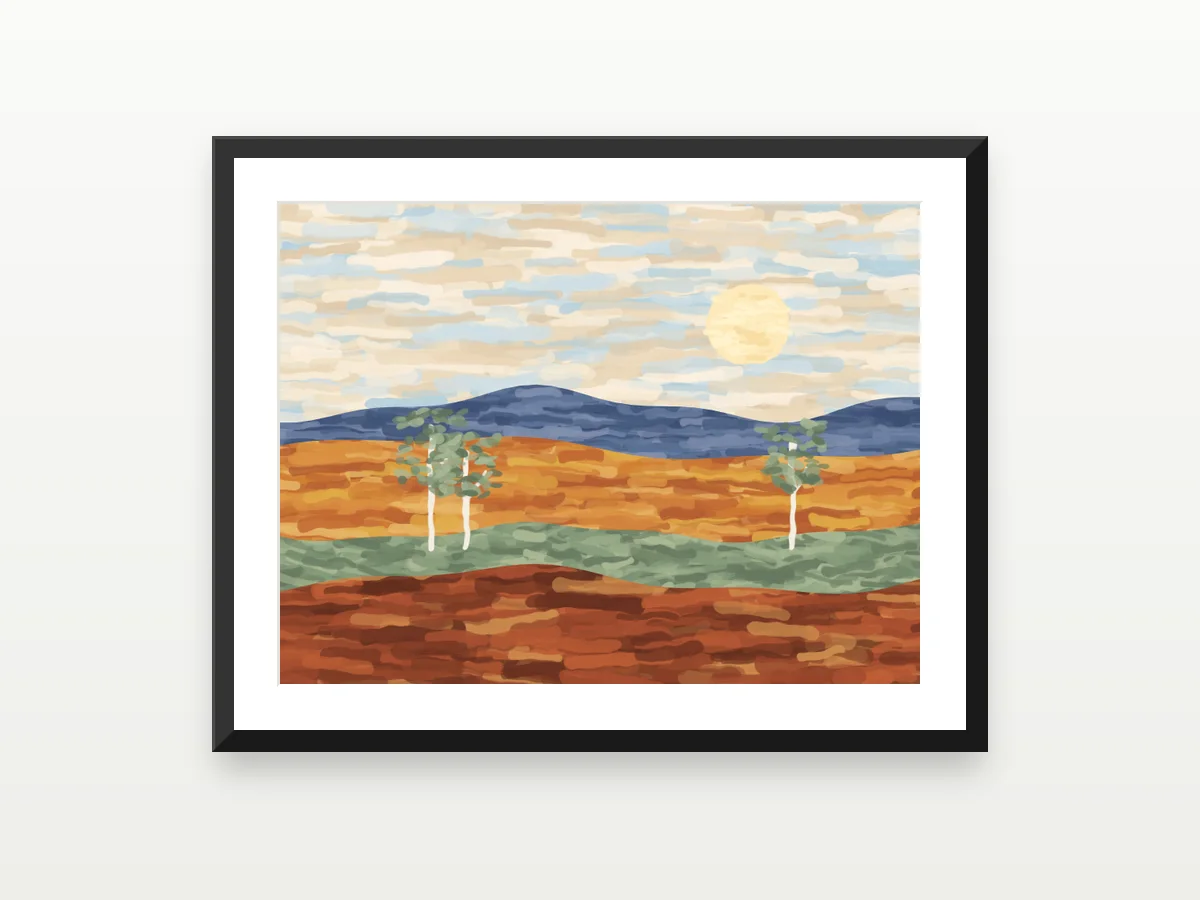
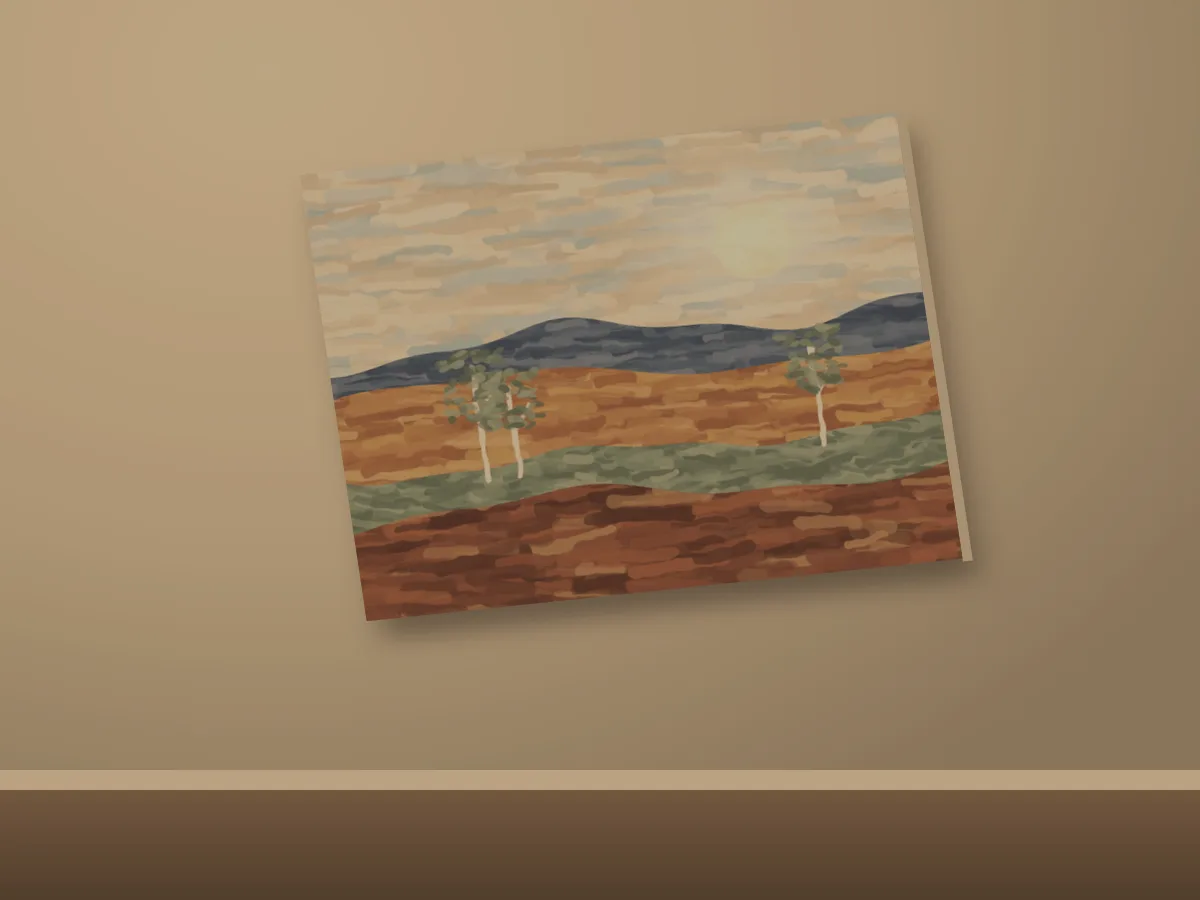
- Straightened
- Light and colour fixed
- Black frame, white mat
- Soft shadow
- No account needed
- Nothing is published
- Two free artworks
By adding a photo you confirm you made the artwork or have the right to share it. Your guest artworks
How it works
- 1
Add a photo
A phone photo of a finished piece is enough — crooked or dim is fine.
- 2
Fix it with AI, or yourself
Two free AI images — a clean catalogue shot or your piece in a room — or straighten it, set the light and colour, and frame it yourself.
- 3
Download it, or keep it
Download the finished picture once, free. A free account keeps it for good — full size, any time, ready to list.
Free, without an account
What the free tools do
Each one on the same painting. Press a picture to see it before and after.
Straighten
Pull a photo taken at an angle square again, so the piece looks as if you stood right in front of it.
Light and colour
Brighten a dim room, take out the yellow of a lamp and bring back the colours you actually used.
Frame and mat
See the piece in a frame, with or without a mat, before you choose one.
Shadow
A soft shadow, so the work sits on the wall instead of floating on the page.
Free now, more with a free account
No account
Try it right now
- Two artworks, with every free tool above
- Two free AI images
- Download each finished picture once, up to 1,200 px
- Private — nothing is published
- Kept on this browser for 30 days
Free account
Keep it, and do more
- Download your edit full size, any time
- Background removal
- More AI images of your work
- List it, and show it on your own website
Whatever you made without an account moves into it when you join.
Questions
Something else? Ask us
Is it really free?
Yes. The enhancer, its tools and two AI images cost nothing, and you can download your finished picture once. A free account keeps it for good and downloads it full size, any time.
What happens to my photo?
It stays private and is never published. Without an account it is kept on this browser for 30 days, then deleted.
Which photos work?
JPEG, PNG, WebP or HEIC, up to 15 MB. A phone photo of the finished piece is enough — crooked or dim is fine.
Why is my edit smaller before I sign up?
Edits made without an account are saved at up to 1,200 px. Create a free account and the edit is made again at full size.
I already have an account.
Sign in and open any of your artworks — the enhancer is on every artwork's page.
Free, no account
Show your work at its best, in a minute
Add a photo of a finished piece and see it straight, true to colour and framed — then keep it with a free account.